Blocked sites detail: see every site, time, and trend
Blocked sites detail is an optional add-on (see pricing) that turns the free at-a-glance summary into the full picture: every site your family ran into, the exact time it happened, and how often it comes up, on each device. Cancel anytime.
What is Blocked sites detail?
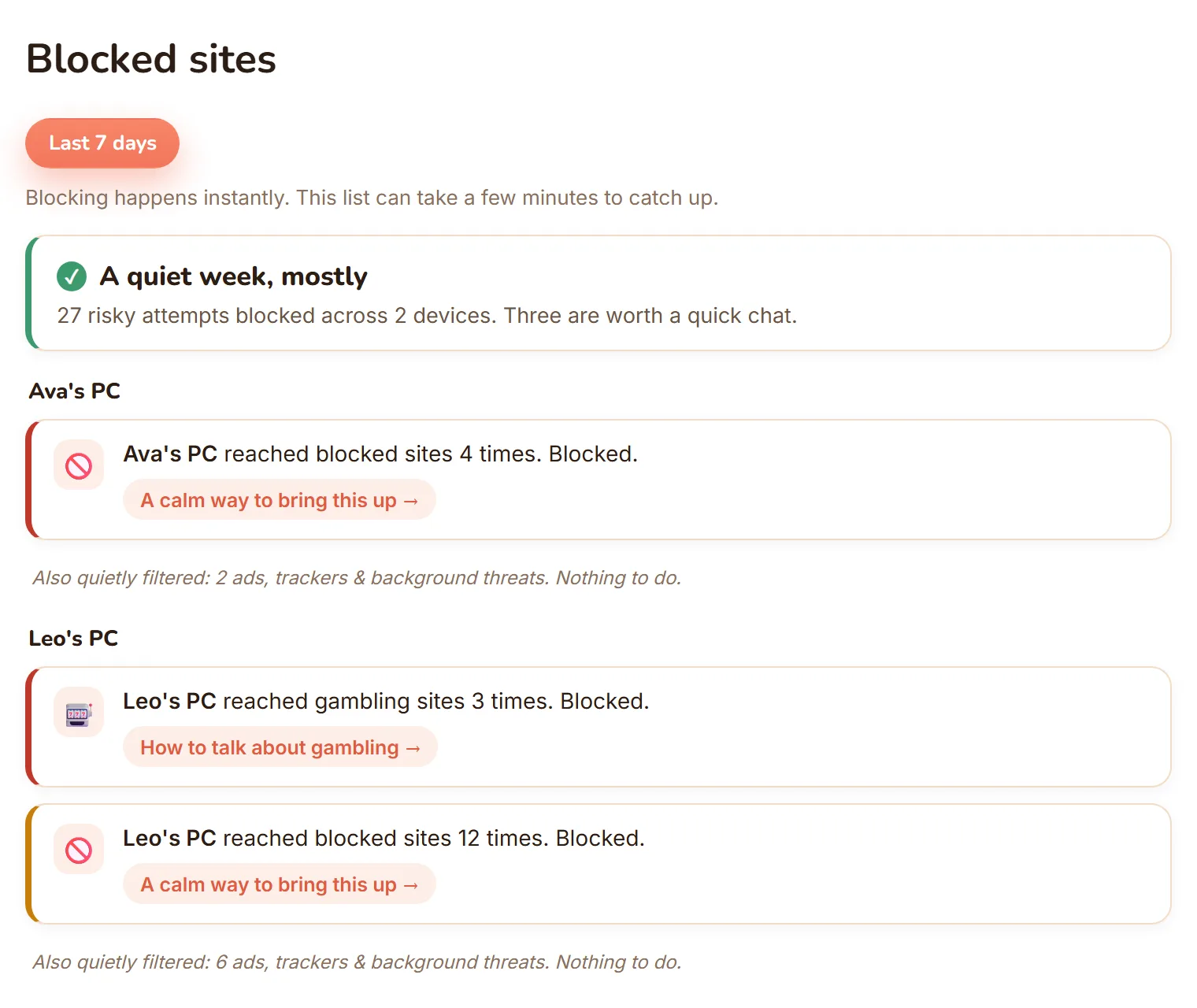
The free Blocked sites view already reassures you at a glance: it groups what was blocked and tells you whether anything needs a closer look. Blocked sites detail is the paid add-on that opens up the specifics behind that summary. For one monthly price across your whole family (see pricing), you get the exact sites, the exact times, and the trend behind each block. It is an add-on because most families are well served by the free summary; the detail is there for parents who want the full picture.
What can I actually see?
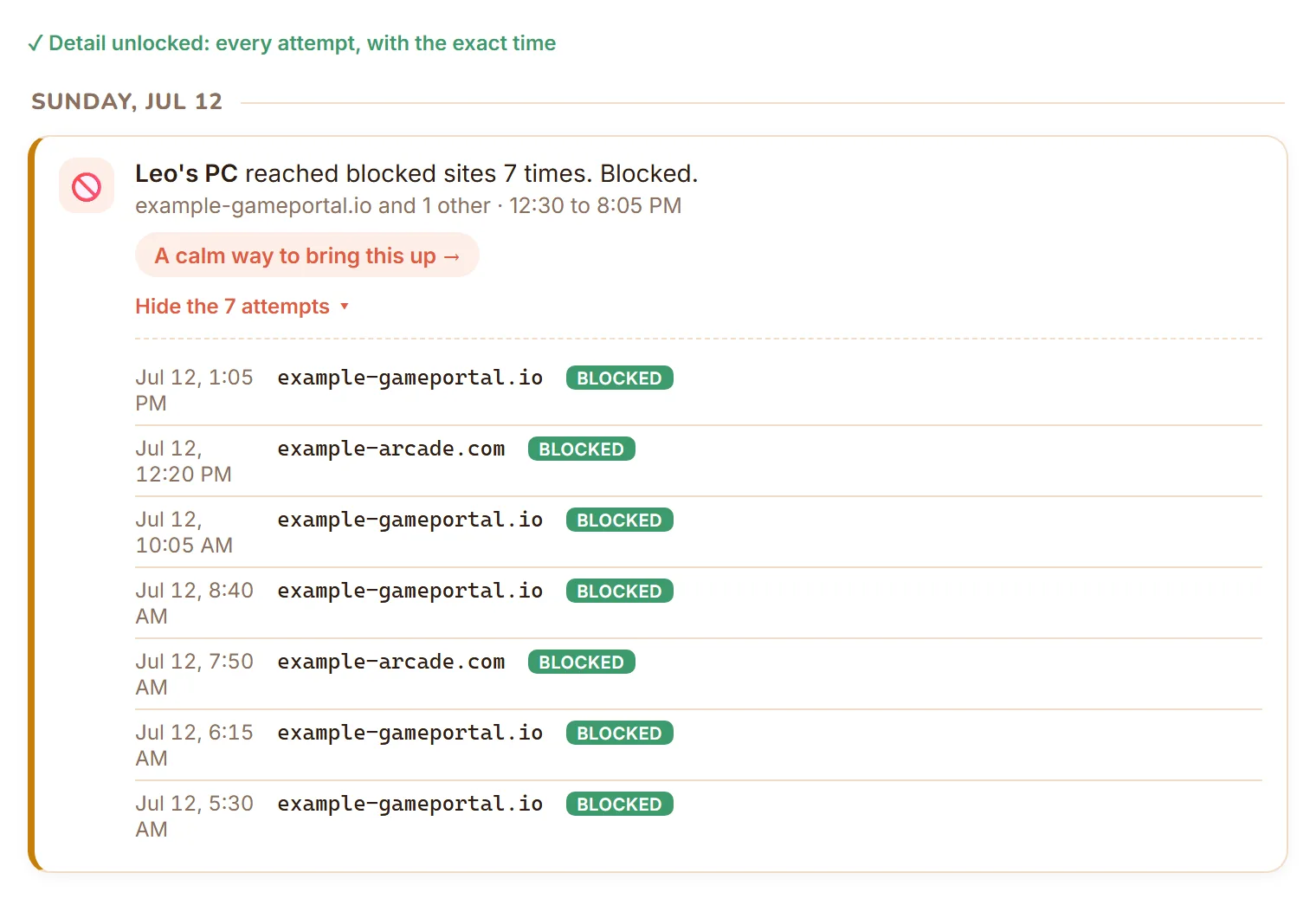
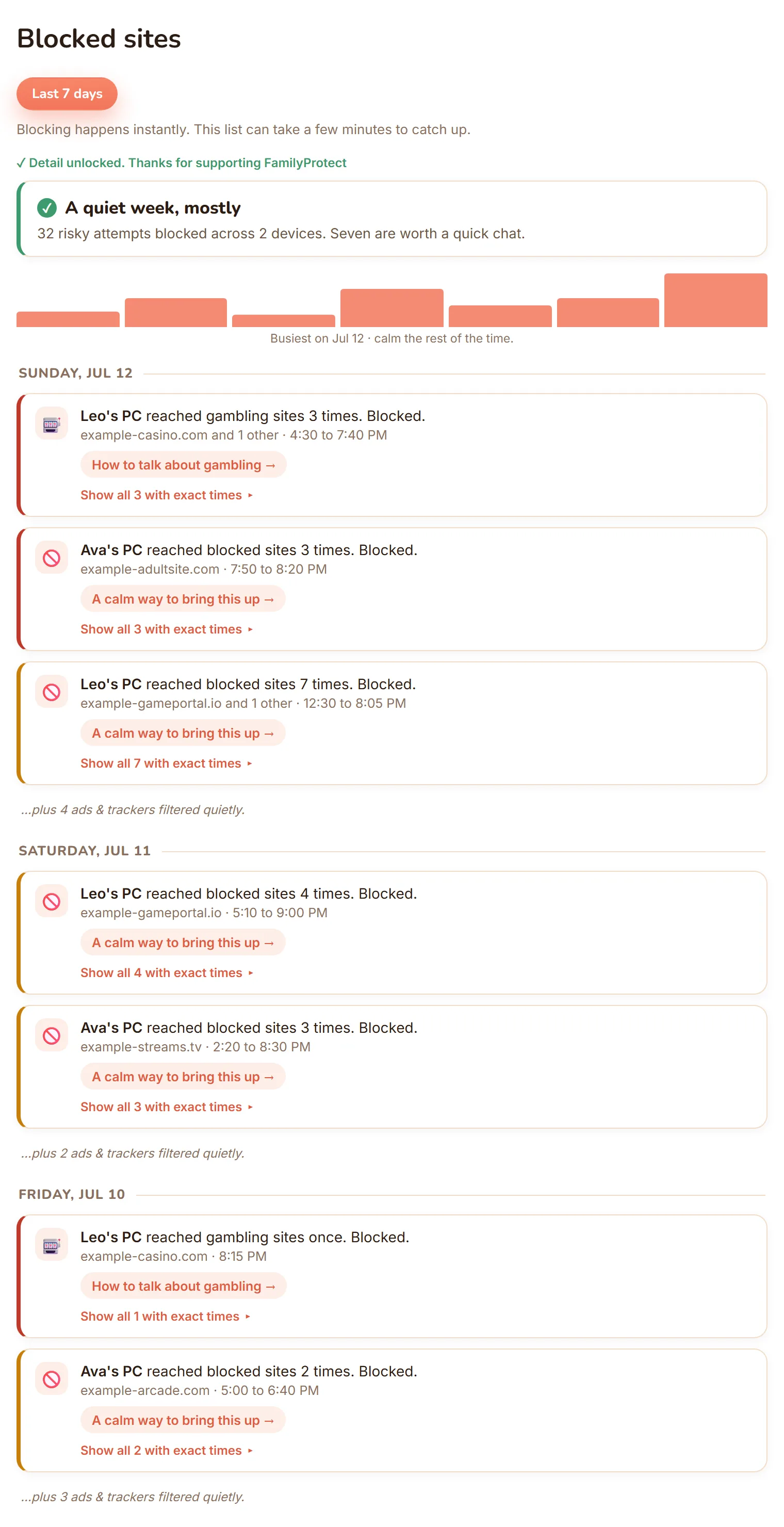
A per-device timeline. For each PC, you see the exact sites that were blocked, each one time-stamped, and how often each one comes up. That last part matters: it is the difference between a single curious click and a site someone keeps returning to. Blocks are recorded against the device they happened on, not against a person: if each child has their own PC that comes to the same thing, but on a shared computer the timeline tells you the site and the time, and you are the one who knows who was sitting there. Everything is grouped so the serious things stand out from the everyday noise, the same way the free view does, but with the underlying sites and times filled in.
How does this help me as a parent?
It gives you something specific to talk about. Instead of a vague worry, you have the openings for a calm, concrete conversation: what the site was, when it happened, whether it is a pattern. This is not about catching a child out. It is about being able to say “I noticed this came up a few times, can we talk about it?” and meaning it. Seeing a trend early also lets you step in gently, before a one-off becomes a habit.
How is my child’s privacy respected?
Blocked sites detail only ever shows sites that were blocked. It is not a log of everywhere your child goes online, and there is no full browsing history behind it. You see the things the protection stopped, and nothing more. The aim is to give you enough to parent well, not to put a child under surveillance.
How do I turn it on or cancel?
Open your dashboard, go to Blocked sites, and choose Unlock. You pay the rest of the current month now, then the add-on’s monthly price (see pricing). If you ever want to stop, cancel from the same page: the detail stays on until the end of the period you have paid for, then simply does not renew. See managing your subscription for how billing works.